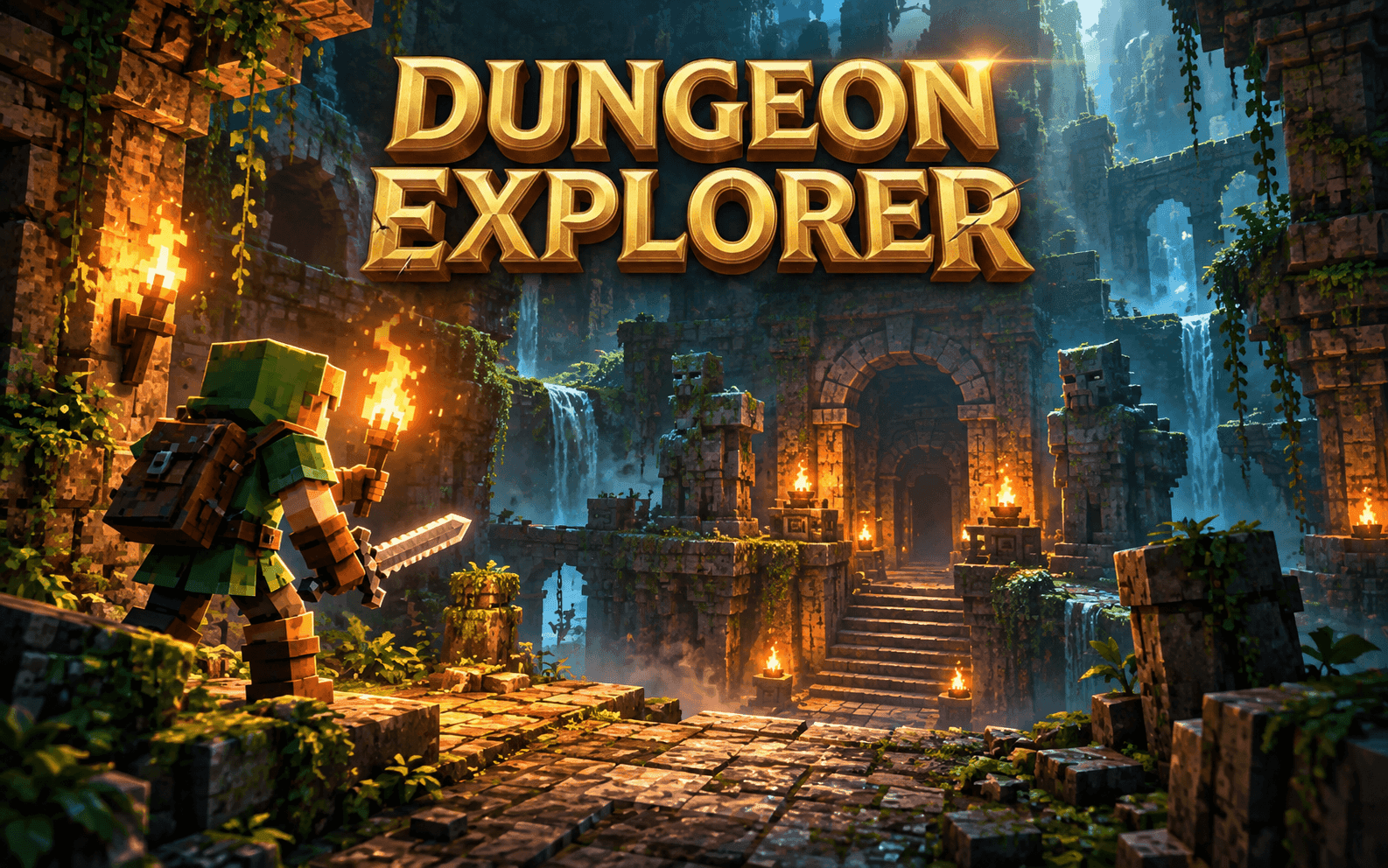
Dungeon Explorer
About this game
Dungeon Explorer is a pixel-style 3D action RPG where every journey leads deeper into danger. Begin as a wandering adventurer, prepare in town, and explore dungeon floors filled with monsters, hidden paths, and powerful bosses. Fight with different weapons, collect materials, and craft or upgrade your equipment. Customize your adventurer with armor, complete Guild quests for gold and experience, and grow stronger as you venture into new environments. Explore solo or team up with friends in co-op. Keep a potion ready, watch your enemies, and discover how far you can go.
How to play
1. Begin your adventure Visit the Guild in town and accept a quest from the Quest Board. Read its objective and location, then head into the dungeon. Return to the board and press Claim when the quest is complete. 2. Prepare your equipment Buy and upgrade weapons at the Blacksmith, find armor at the Tailor, and stock up on potions at the Apothecary. Open your Bag to equip armor and move weapons or potions into your quick slots. 3. Fight and survive Select an enemy and attack, or use free aim to control your attacks directly. Dash to avoid danger and watch for enemy attack warnings. With a bow, hold the attack button to draw and release to fire—you’ll need arrows. 4. Collect and grow Walk over dropped items and gold to collect them. Earn experience, gather crafting materials, and improve your equipment before taking on tougher enemies. 5. Explore deeper Use the map to find your way and stairs to travel between floors. Speak to an Innkeeper and choose Set Respawn Here where available to set your return point. KEYBOARD & MOUSE CONTROLS • Move: WASD • Aim in free-aim mode: Move the mouse • Select an enemy in target mode: Click the enemy • Attack in target mode: Hold Space • Attack in free-aim mode: Hold the left mouse button • Draw a bow: Hold the attack button • Fire a bow: Release the attack button • Dash: Shift • Talk, open shops, or use entrances: F • Select a weapon or use a potion: Press 1–6 or click a quick slot • Open / close Bag: B • Cycle targets in target mode: Tab / Shift + Tab • Open / close map: M • Pause / close menu: Esc TOUCH CONTROLS • Touch and drag in the lower-left area to move. • Tap an enemy to select it in target mode. • Hold the weapon button to attack or draw a bow; release to fire. • In free-aim mode, drag the weapon joystick to aim. • Tap the dash button to dodge. • Tap quick slots to select weapons or drink potions. • Use the on-screen buttons to interact, open your Bag, and view the map.